
text-figure 方法
该方法用于图文混排,默认为左文右图
示例
typst
#text-figure(
    figure: image("wechatpay.png")
  )[#lorem(50)]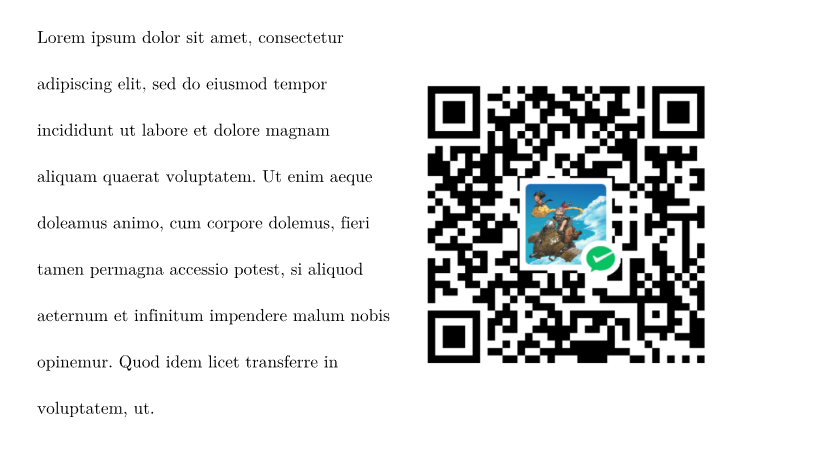
WARNING
在调整图片大小时,图片的宽或高不要使用百分比,否则图片不显示!推荐仅设置高度,宽度自适应;否则图片有可能会显示不全!
参数
text
类型: str | content
默认值: 无
该参数为位置参数,用于设置要排列的文本
TIP
该参数在 0.1.9 版本之前为命名参数。
typst
// 使用方法
#text-figure(
    text: lorem(50)
  )[#image("wechatpay.png")]
figure 0.1.9
类型: image | table
默认值: none
该参数用于设置要排列的图表;
figure-x
类型: length
默认值: 0pt
该参数用于设置图表水平之间的距离
figure-y
类型: length
默认值: 0pt
该参数用于设置图表垂直方向上的距离
style 0.1.9
类型: str
默认值: "tf"
可选值: "ft"
该参数用于设置排版方式;默认为左文右图
示例
typst
#text-figure(
    figure: image("wechatpay.png"),
    style: "ft"
  )[#lorem(50)]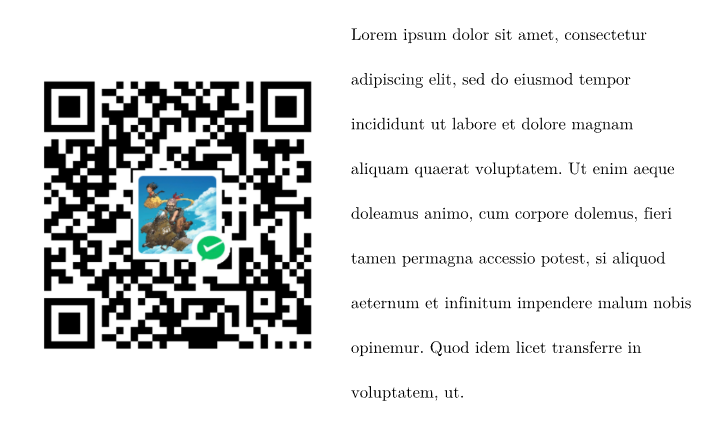
gap 0.1.9
类型: length
默认值: 0pt
该参数用于设置图片和文本之间的距离
align 0.2.5
类型: alignment
默认值: horizon
该参数用于设置图片和文本的对齐方式
WARNING
该参数在 0.2.8 版本及之后已废弃
top
类型: length
默认值: 0pt
该参数用于设置图文距离上方的距离
bottom
类型: length
默认值: 0pt
该参数用于设置图文距离下方的距离